Skip to content

For construction and trade businesses

Occupational safety that survives the audit.

Risk assessment, safety briefing, inspection deadlines, site walks — in one place, in your workers' own language, and with a record you can put in front of the employers' liability insurance association.

BauGuard is in development.

  • Servers in Frankfurt am Main
  • Signing works without a connection
  • Workers need no account

The inspector does not ask what you did. They ask what you can prove.

This page follows one week on a site with 68 employees: Monday to Friday, and what is on paper at the end of each day.

  1. Mondaytwo signed briefings, two languages
  2. Tuesdayone site-walk report with a deadline and a photo
  3. Wednesdaythree deadlines in October — one appointment instead of three
  4. Thursdayone released assessment with a name and a date
  5. Fridayone time-limited access, without personal data

The trigger

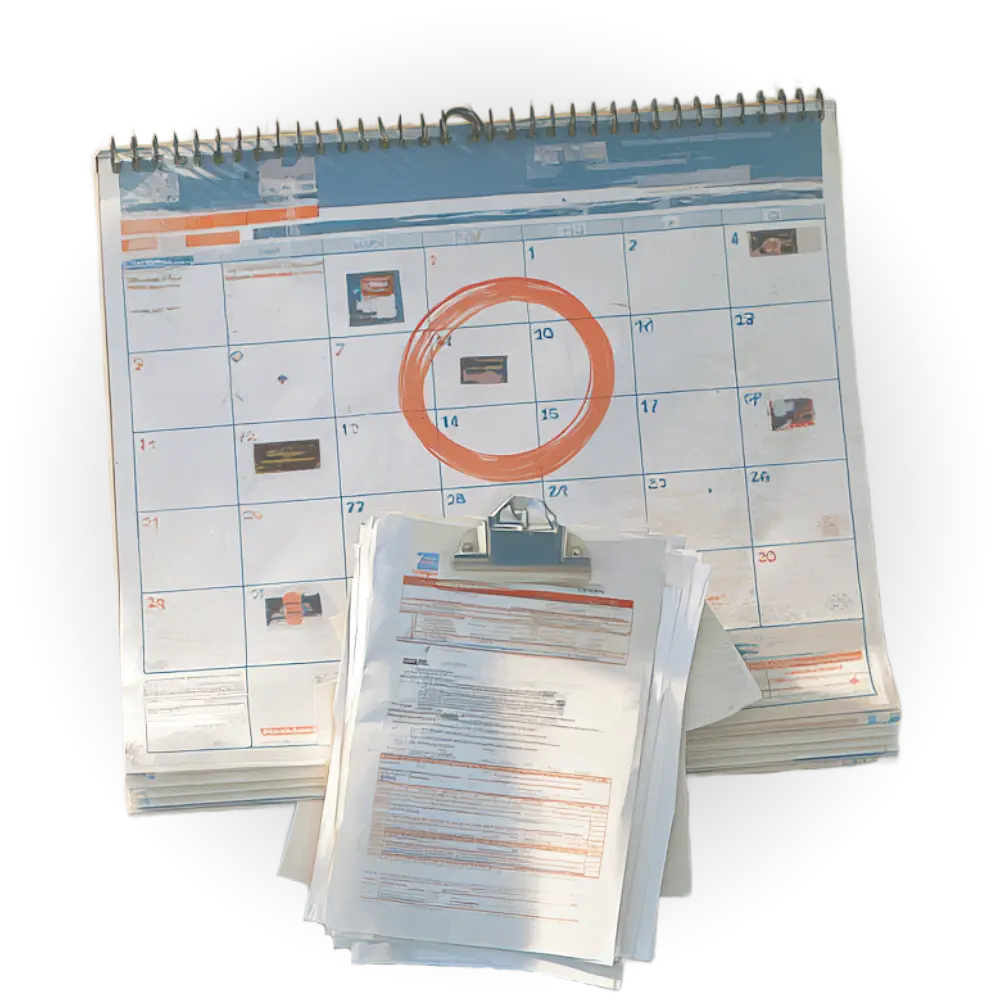
Most companies start when a date is in the calendar.

In practice there are two. Both come at short notice, and from then on only what is documented counts.

The employers' liability insurance announces an inspection.
Three weeks' notice. The folder holds an instruction record from the year before last, and nobody knows whether the risk assessment still matches the trade.
The main contractor asks for records.
Before the next job, in writing, for everyone on site. Miss that by a few days and you are in a weaker position at the next tender meeting.

One week, five steps

This is what it looks like on site.

Nordbau Fördeblick, 68 employees, scaffolding and structural work. Three site foremen, an external health and safety specialist, high turnover, four languages on site.

Monday

Site foreman

Two agency workers are at the gate at seven.

Neither may enter the site until they have been instructed — one speaks Polish, one Romanian. The foreman opens the instruction on the tablet, each reads it in their own language and signs with a finger. There is no signal on site; the signatures wait on the device and go out in the evening.

What is on paper: two signed instruction records with two times — when it was signed and when it reached the system. Both appear on the record, so it stays clear which figure came from where.

Tuesday

Site foreman

Site walk with the checklist, two defects.

Fall edges, scaffold release, escape routes — point by point. Two findings: a blocked escape route and a missing edge protection, logged as an immediate hazard with a deadline. A photo for each, taken with the device already in hand.

What is on paper: a report that keeps the finding and the remedy apart. Once the walk is closed the finding cannot be changed; what was done about it can still be added.

Wednesday

Management

Three occupational health checks expire in October.

A timeline shows what a list never does: that three dates fall in the same month. That turns into one appointment with the company doctor instead of three. The same view carries scaffold inspections, documents and open defects.

What is on paper: for occupational health checks, nothing but status and expiry date. No finding, no diagnosis, no note — there is not even a field for it.

Thursday

Health and safety specialist

The risk assessment for the new trade is released.

Created from a template, adapted to the site, then formally released. Until then it is visibly a draft — in the printout too, so nobody mistakes an unfinished sheet for a record.

What is on paper: a record naming the person who released it, their role and the time. Unchangeable afterwards; a change becomes a new version and the old one stays readable.

Friday

Management

The main contractor asks how the site is doing.

A time-limited link, no account, no attachment by e-mail. It shows the state of the site — and deliberately no people: no names, no signatures, no qualifications, not even headcounts.

What is on paper: an access trail. Who opened and closed which link, and when, stays documented; it can be revoked at any time but never backdated.

Smaller companies

With fourteen employees you do health and safety yourself — usually in the evening.

No safety specialist in house, three to five small jobs at once, often only a few days long. BauGuard is not daily business for you. You need it on three or four days a year — and on those days it has to work.

One morning in January

All fourteen in the break room, one instruction session, everyone signs on the tablet. That settles it for the year. No folder, no list to type up in the evening.

What is on paper: fourteen signed records with date and language. When the inspector calls three weeks ahead, you print instead of search.

What you use

  • The annual instruction for everyone, in one morning
  • Inspection intervals for ladders, meters and fall protection
  • One risk assessment per trade, unchanged for years afterwards
  • The PDF export on the day of the inspection

What you leave out

  • Site walks with a checklist — not worth it on a three-day job
  • The contractor link, as long as clients hire you directly
  • Site administration in the narrower sense

None of it has to be switched off or clicked away. It is there if a job does turn out bigger.

So you are not comparing us with other software, but with the evening you would otherwise spend with the folder.

The day that counts

What ends up on the table.

The inspector never sees an application, only paper. That is why BauGuard is built back to front: every step above produces exactly the document needed here.

Instruction record

with signature, language and time — per person, as a PDF.

Risk assessment

naming the person who released it, their role and the date.

Site walk report

with finding, deadline and remedy.

Names spelled correctly — Yılmaz, Kowalski and Ionescu too, because the font travels with the document.

For health and safety specialists

Where professional responsibility stays.

If you look after several companies, the first question is not what the tool can do but what it quietly hands to you. Four answers up front.

It documents, it does not assess.

Templates are a starting point, not a finished risk assessment. Assessing the individual case remains professional work, and nowhere does this site claim otherwise.

Every release has a name.

Who released it, in which role and when, is set by the database itself — not by the client, and not editable afterwards. Until release, an assessment is visibly a draft, in the printout too.

An unreviewed machine translation carries no record.

Instruction texts in other languages carry a review mark. Without it, no attendance can be confirmed — the database prevents it, not the interface.

No reporting on individuals.

A defect records who clears it, not who caused it. There are no per-employee statistics — deliberately never built, so that a safety tool does not turn into performance monitoring.

Why you can trust us with personnel data

Where your data lives, who can see it and what we even store — that's built in, not just promised.

Learn more
Your data stays in Germany
Servers, files and the application itself run in Frankfurt am Main — not just anywhere, always there.
Your data belongs to you alone
No other company ever gets a look at your data. Internally, too, everyone only sees what concerns them — workers their own records, site management their own sites.
Health data stays out
For checks like G25 or G41 we only store whether they're valid and until when. We never store findings or diagnoses.
Protected on the way and in storage
Whether on the tablet on site or in the office: your data is protected on its way to us just as much as when it's stored.

Frequently asked questions

Do my site workers need an account?

No. They are set up as a person — name, role, language — and sign on the site manager's device, exactly as on the paper briefing sheet. An account of their own is the exception and can be added at any time.

Which languages are briefings given in?

German, Turkish, Polish, Romanian and English. Content is always shown in the language of the person being briefed, not the operator's. An unreviewed machine translation carries no legal record — the database enforces that, not just the interface.

Does BauGuard replace a health and safety professional?

No, and it is not meant to. BauGuard keeps the records, tracks deadlines and makes gaps visible. The professional judgement stays with your safety specialist and company doctor.

What happens to the data if I cancel?

You get a complete export. Only what may be deleted is deleted: briefings and risk assessments are subject to statutory retention periods and are blocked rather than removed when in doubt.

The next inspection will come.

BauGuard is being built right now — together with construction firms telling us where it actually pinches day to day. If you want to be among them, sign up.

Join the waiting list